
 Linux x86_64 · .deb · .rpm · Arch · portable archive
Chromium and WebKitGTK
Choose the engine during setup or later in Settings. Each engine keeps its own tabs and session; bookmarks and settings are shared.
DaliNira is a native Linux desktop browser written in C++20 and Qt 6. Run it on Chromium or on WebKitGTK — the interface, ad and tracker blocking, translation and tab sleeping work the same on both.
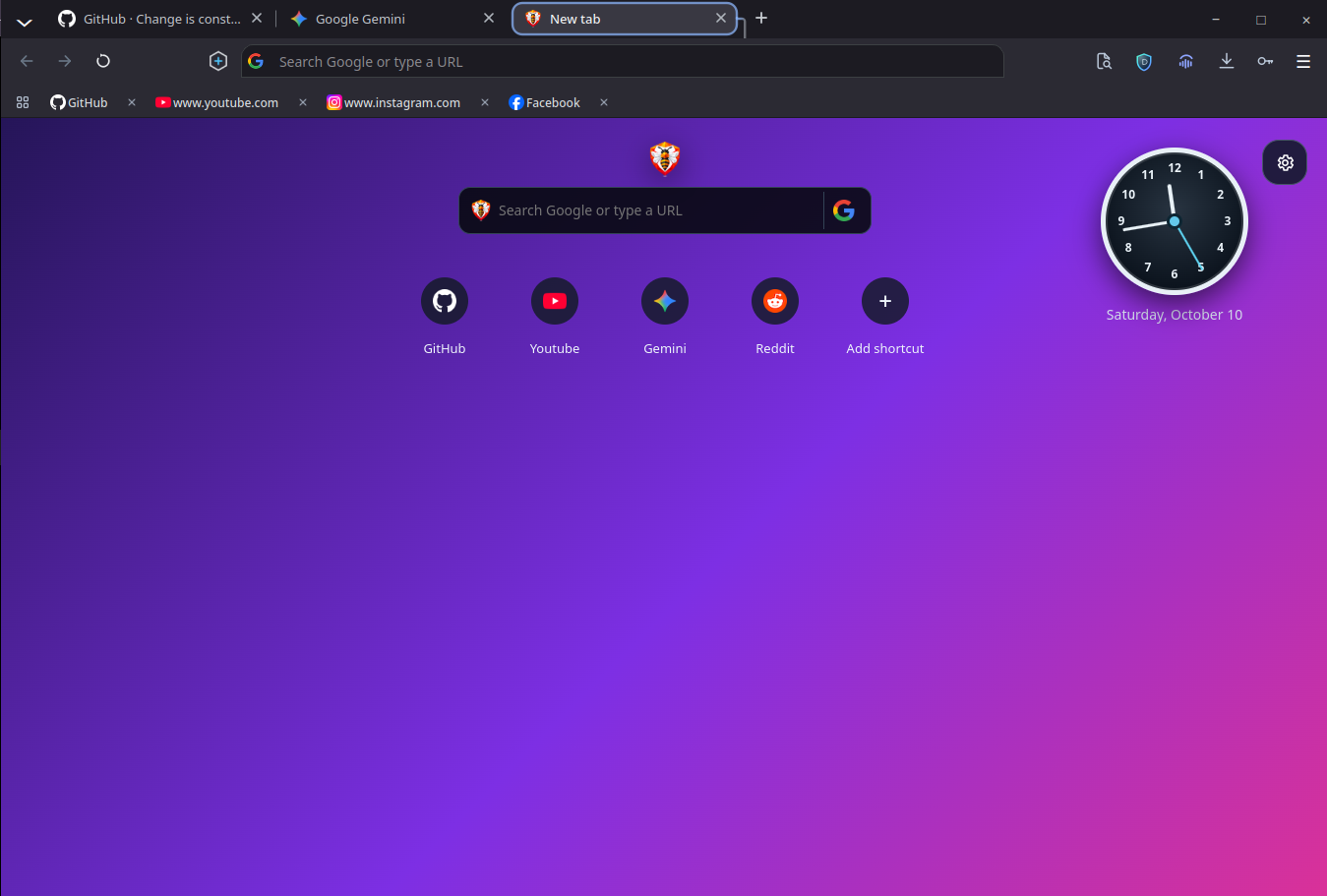
DaliNira includes the tools many people install as separate extensions, integrated into a native desktop application.
Choose the engine during setup or later in Settings. Each engine keeps its own tabs and session; bookmarks and settings are shared.
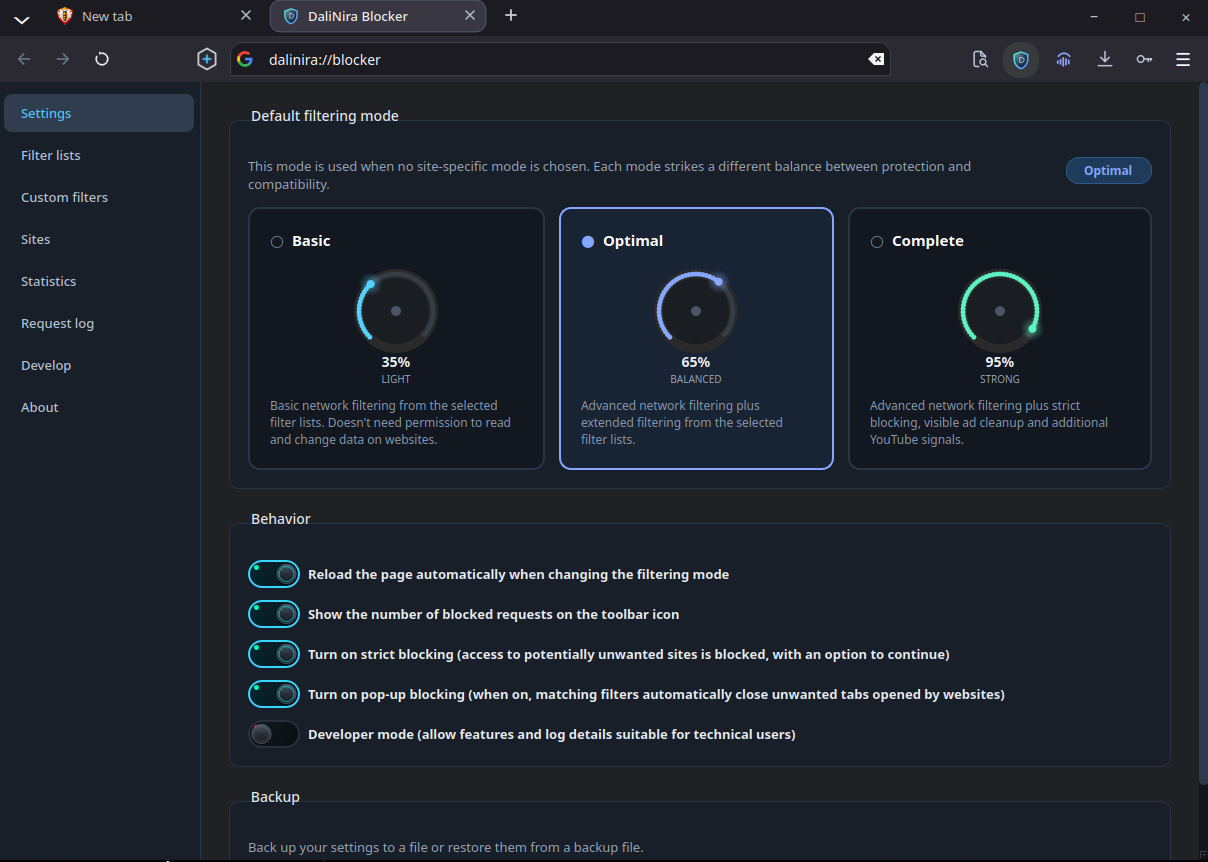
A native filter engine with EasyList, EasyPrivacy and regional lists, cosmetic filtering, tracking-parameter removal and link debouncing.
HTTPS by default, Global Privacy Control, fingerprinting noise and third-party cookie blocking.
Translate pages in place with Google, Google Cloud, DeepL or LibreTranslate. The popup never blocks the page.
Inactive tabs sleep in two stages to free memory. Tabs with unsaved form input are not released automatically.
Vertical side tabs on the left or right, or a floating sidebar. They stay open on New Tab, slide away on websites and return at the window edge; pin them to keep them open. In English, Turkish, Arabic and French.
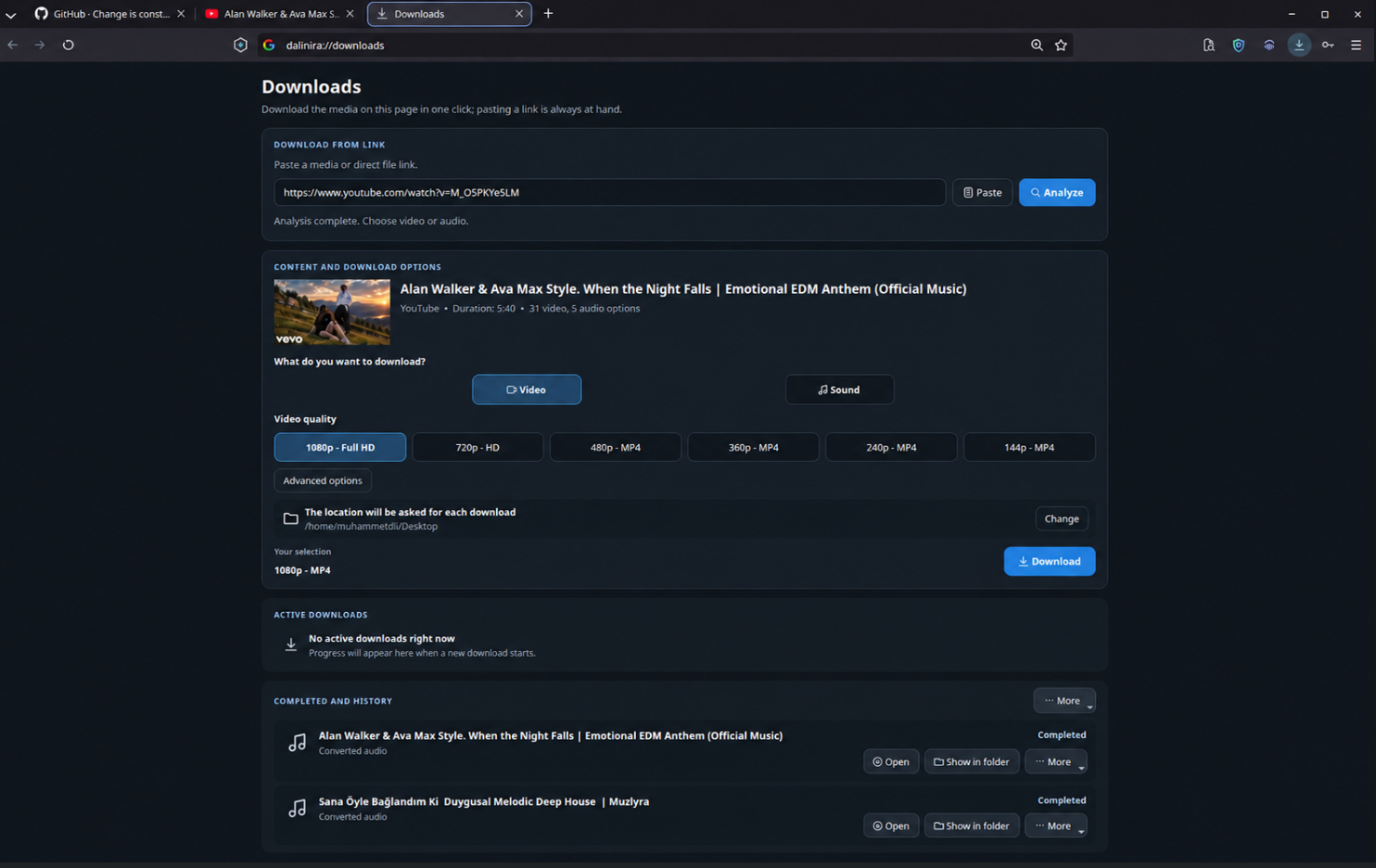
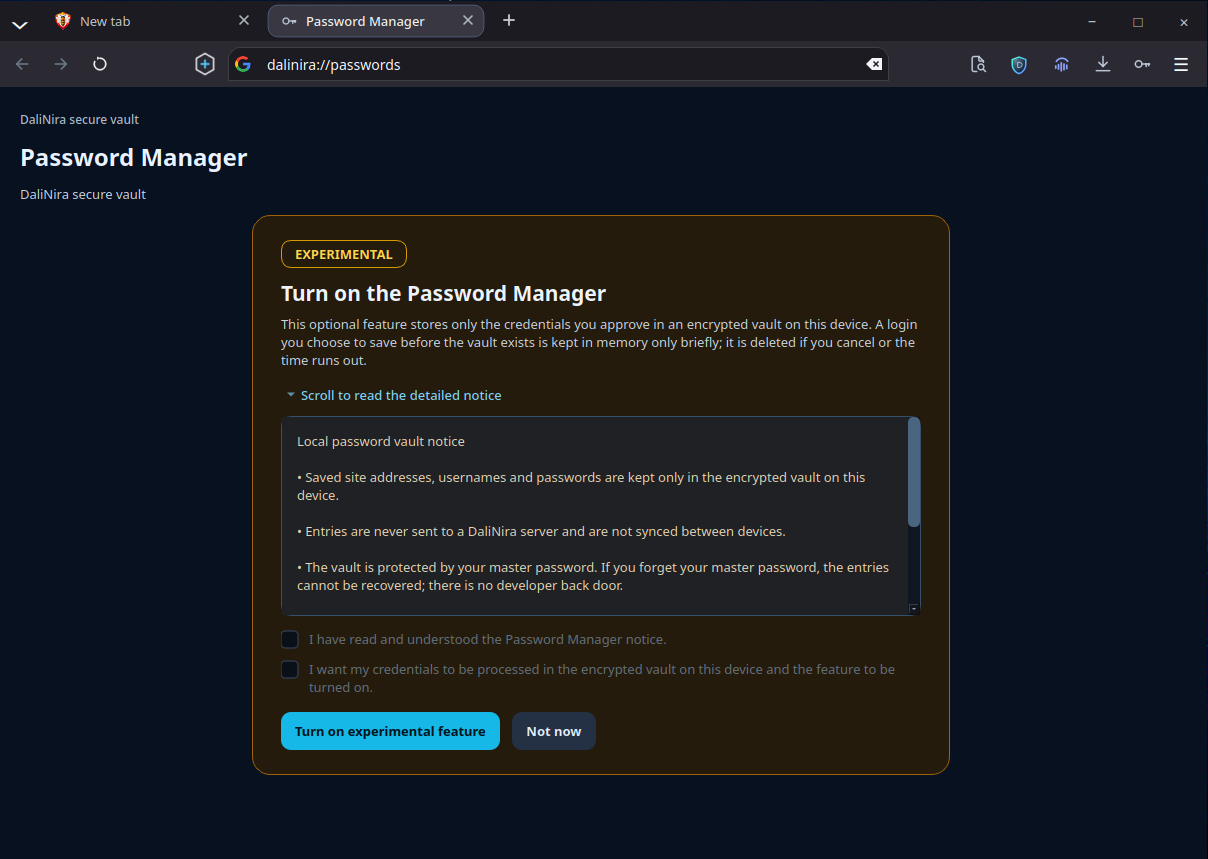
Segmented parallel downloads with resume, and a password vault encrypted locally with AES-256-GCM.
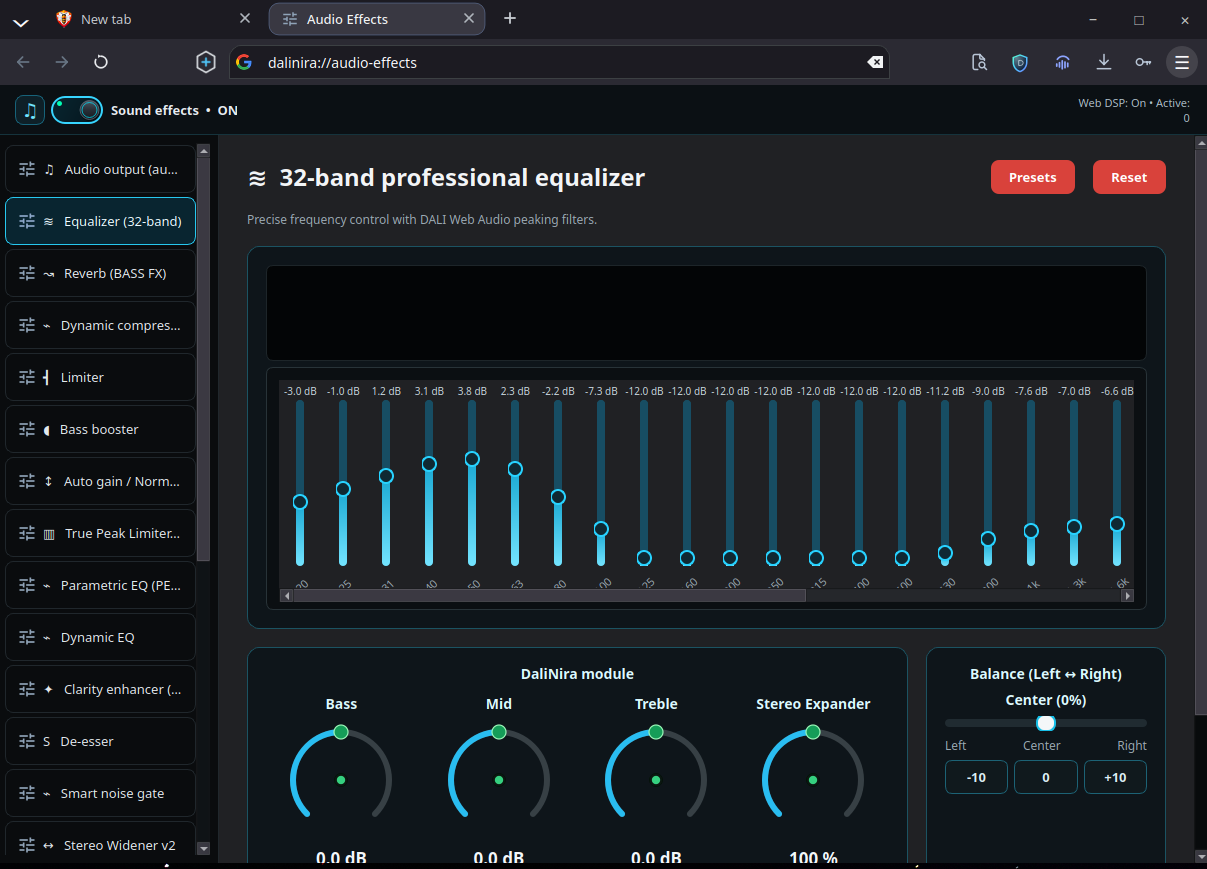
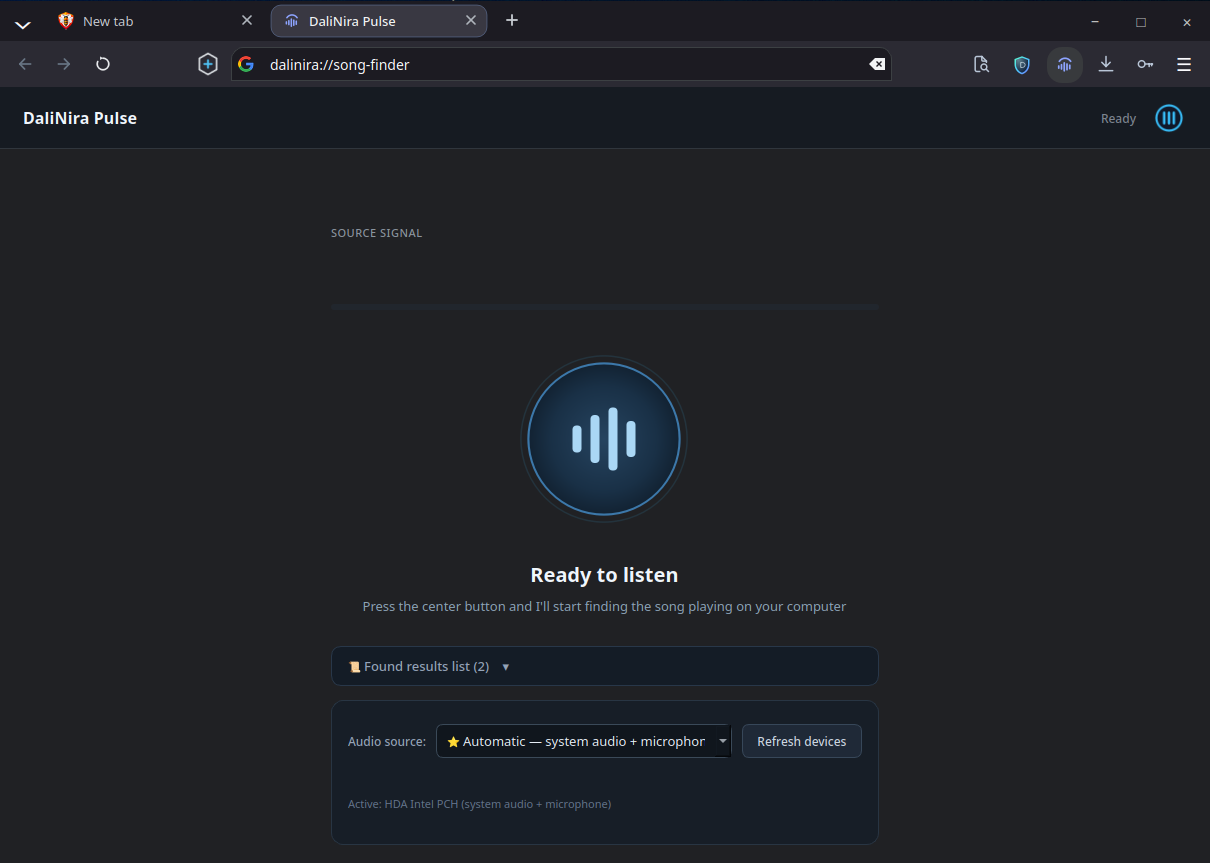
A 32-band equalizer with 1,757 AutoEQ headphone presets for web media, and Pulse song recognition.
Change browser shortcuts in Settings. Conflicts are detected, defaults can be restored one at a time or all at once, and changes apply immediately in both engines.
DaliNira 8.0 runs on Chromium through Qt WebEngine or on WebKitGTK. Both use the same DaliNira interface.
Switching engines restarts DaliNira and opens that engine's own tabs. Automated parity tests run the same scenarios against both engines and compare the results.
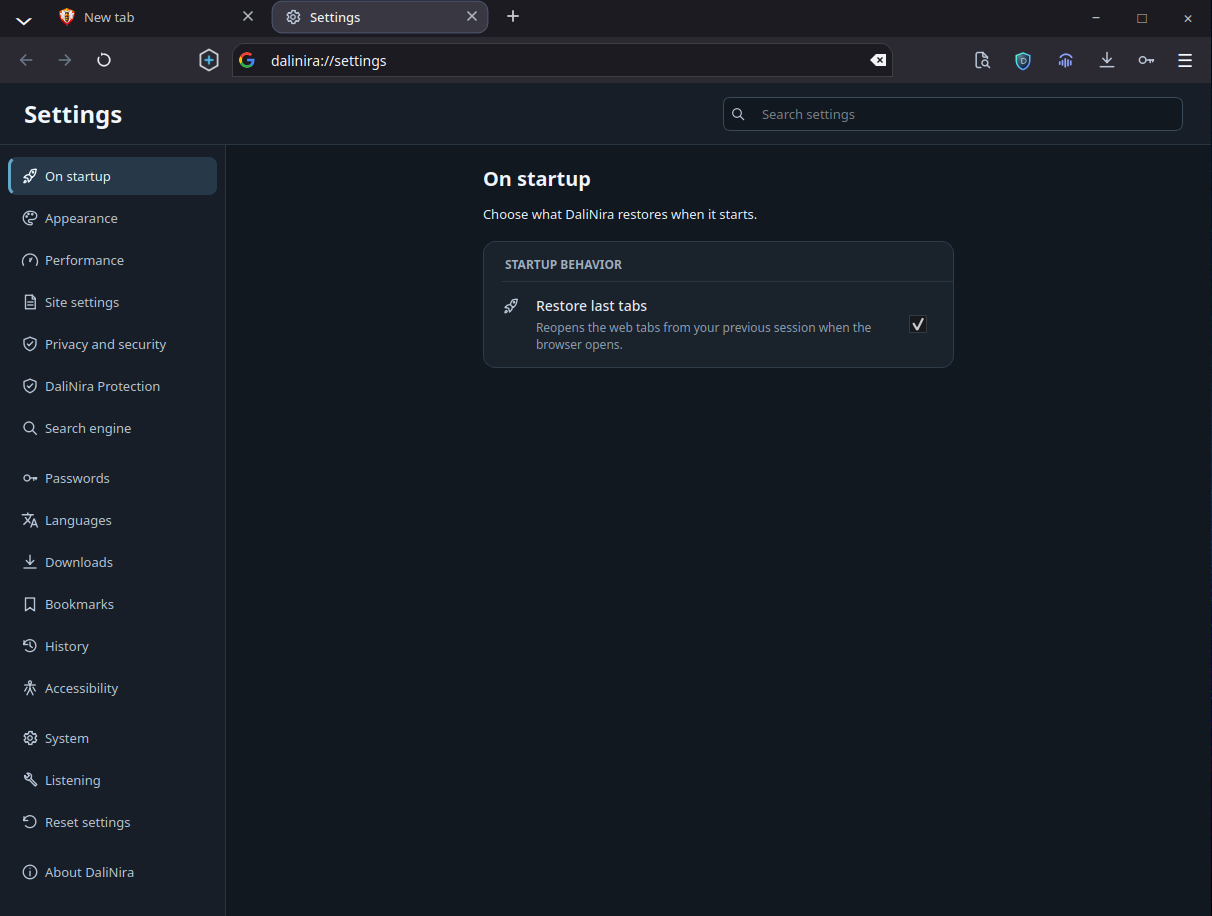
All screenshots were taken from DaliNira 8.0 running on Linux.
The DaliNira blocker applies filter lists locally, hides empty ad containers and removes tracking parameters such as utm_*, fbclid and gclid.
Segmented parallel downloads with resume and retries, plus media analysis for supported sites.
An optional, experimental vault encrypts the logins you approve with AES-256-GCM and a PBKDF2-HMAC-SHA256 key.
Route web audio through a 32-band equalizer, compressor, limiter and stereo widener, with 1,757 AutoEQ headphone presets.
Pulse identifies the song playing on your computer. It builds an audio fingerprint locally and sends only that fingerprint to Shazam's recognition service.
Concrete design decisions instead of marketing claims.
History, bookmarks, passwords, settings and presets are stored in your user profile on your computer.
DaliNira needs no sign-in and has no built-in usage telemetry.
Search suggestions, translation, Pulse recognition and filter-list updates contact only the service that feature needs.
Credentials are encrypted locally with AES-256-GCM and a PBKDF2-HMAC-SHA256 key, and are never synchronized.
This site loads no analytics, no cookies and no external fonts or scripts, and uses a strict Content Security Policy.
The complete source code is public under the GNU General Public License v3.0.
DaliNira Browser is developed in the open on GitHub. Inspect the code, build it yourself, report issues or contribute.
View source on GitHubDaliNira supports Linux x86_64. Releases are built for Debian, Ubuntu, Fedora and Arch Linux, plus a portable archive; before a release is published, each native package is installed and checked in a clean container.
WebKitGTK media playback needs GStreamer plugins; the packages install them as dependencies.
yay -S dalinira-bin
curl -sL https://muhammed-dali.github.io/DaliNira-Browser/dalinira.gpg | sudo pacman-key --add - && sudo pacman-key --lsign-key BC741FD0AC804351B0DDBB86FDFEC60C11202588 && curl -fsSL https://muhammed-dali.github.io/DaliNira-Browser/dalinira.repo | sudo tee -a /etc/pacman.conf >/dev/null && sudo pacman -Syu dalinira